1. Course Overview
-
Become a Certified PC Technician: Launch Your IT Career.
This hands-on, comprehensive training program equips you with the skills to diagnose, repair, and maintain computers. Whether you’re starting a new career or upgrading your skills, this course prepares you for industry-recognized certifications and real-world success.
2. “Who is this course for?” Section
This course is perfectly suited for:
-
Career Changers: Looking to break into the high-demand IT field.
-
IT Enthusiasts & Beginners who want to turn their passion for technology into a professional skill set.
-
Current Help Desk or Support Staff seeking to advance their technical knowledge and career prospects.
-
Small Business Owners or IT Generalists who want to manage their own company’s technology.
-
Students looking to build a strong foundation for further IT studies.
3. “What You Will Learn” / Course Curriculum
Module 1: Introduction to PC Hardware
-
Identify and understand the function of all core components: Motherboard, CPU, RAM, Storage (HDD/SSD), Power Supply, and Cooling Systems.
-
Learn proper hardware handling and safety procedures (ESD prevention).
Module 2: Mastering Software and Operating Systems
-
In-depth installation, configuration, and troubleshooting of Windows.
-
Managing user accounts, permissions, and file systems.
-
Software installation, driver management, and Windows registry basics.
Module 3: The Art of Diagnostics and Troubleshooting
-
Systematic approach to problem-solving.
-
Decoding error messages, BIOS/UEFI beep codes, and the Blue Screen of Death (BSOD).
-
Using built-in Windows tools (Event Viewer, Disk Management) and third-party diagnostic software.
Module 4: Networking Fundamentals
-
Understanding TCP/IP, DNS, DHCP, and LAN/WAN concepts.
-
Configuring and troubleshooting wired and wireless (Wi-Fi) networks.
-
Router and switch basics.
Module 5: Security Essentials
-
Identifying and removing malware, viruses, spyware, and ransomware.
-
Implementing security best practices: firewalls, updates, and user education.
-
Data security and backup strategies.
Module 6: Mobile Devices and Hardware Maintenance
-
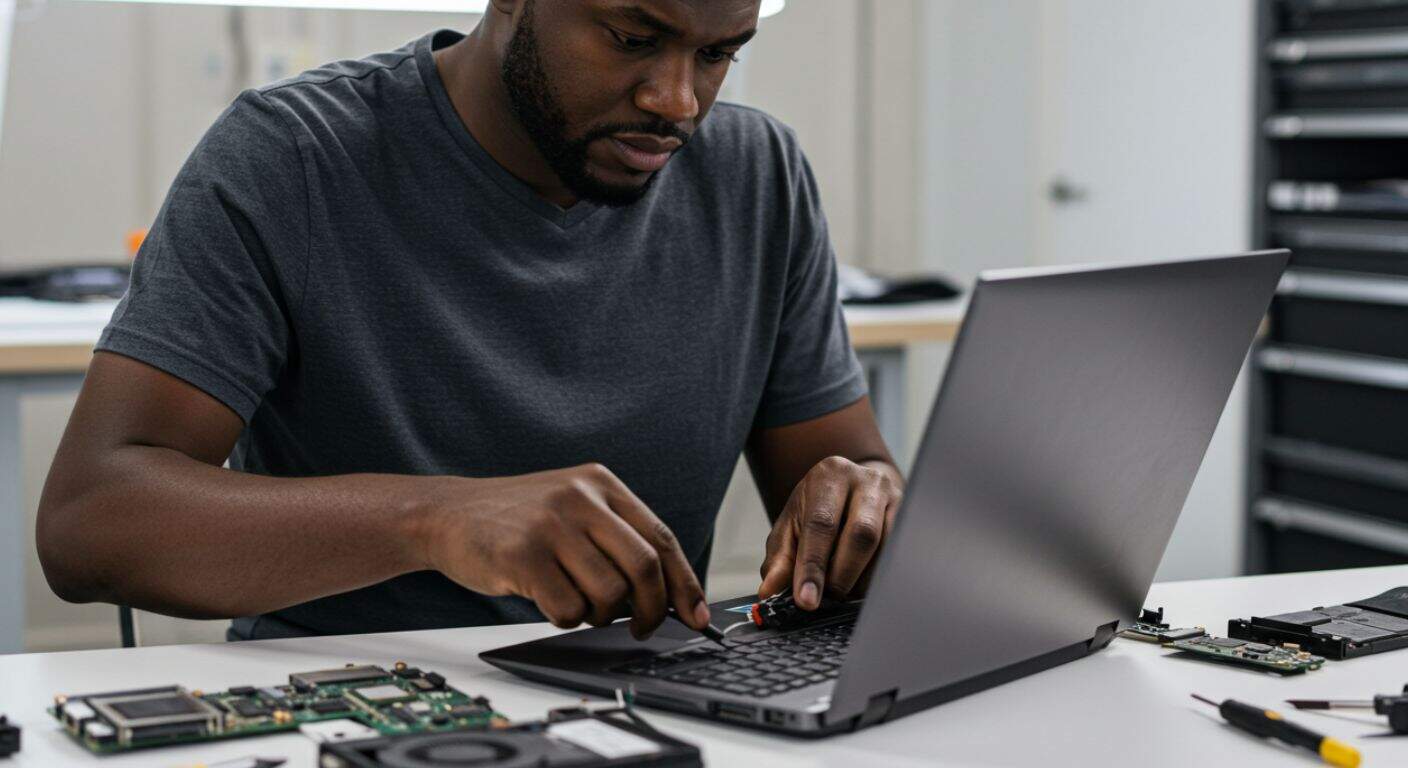
Basics of laptop disassembly and component replacement.
-
Troubleshooting common laptop issues: screens, keyboards, batteries.
-
Printer installation and troubleshooting.
Module 7: Professional Skills and Customer Service
-
How to communicate technical issues to non-technical clients.
-
Building a service ticket, managing inventory, and running a successful IT service business.
-
Preparing for the job market and technical interviews.
4. “Key Features & Benefits” Section
-
Hands-On, Lab-Based Learning: Don’t just listen—do. Get real-world experience in our fully equipped lab.
-
Certification Prep: Curriculum aligned to prepare you for the CompTIA A+ certification, the industry standard for PC Technicians.
-
Expert Instruction: Learn from certified IT professionals with years of field experience.
-
Career Support: Receive resume reviews, interview coaching, and job placement assistance.
-
All-Inclusive Course Kit: Get a tool kit, course materials, and resources to keep and use in your career.
5. “Career Outcomes” Section
Upon successful completion, you will be qualified for roles such as:
-
PC Repair Technician
-
IT Support Specialist
-
Help Desk Technician (Level 1 & 2)
-
Field Service Technician
-
Desktop Support Analyst