1. Course Overview
-
Become a Network Technician: Build and Secure the Digital World.Sub-headline:
Go beyond basic computer repair and learn to build, manage, and troubleshoot the infrastructure that connects everything. This hands-on course provides the foundational skills to design, configure, and secure robust networks, preparing you for high-demand roles in network administration and support.
2. “Who is this course for?” Section
This course is designed for:
-
Aspiring IT Professionals who want to specialize in networking.
-
PC Technicians & Help Desk Staff looking to advance their careers into network administration.
-
Career Changers seeking a stable, high-growth field with clear certification paths.
-
Military Veterans with technical backgrounds transitioning to civilian IT roles.
-
Students and Graduates in computer science who want practical, hands-on networking skills.
3. “What You Will Learn” / Course Curriculum
Module 1: Networking Fundamentals
-
The OSI and TCP/IP models: Understanding data flow from end to end.
-
IPv4 and IPv6 addressing, subnets, and essential network math.
-
Network topologies, architectures, and media types (copper, fiber, wireless).
Module 2: Network Infrastructure and Hardware
-
In-depth configuration of Routers, Switches, and Wireless Access Points.
-
Understanding and implementing VLANs (Virtual Local Area Networks).
-
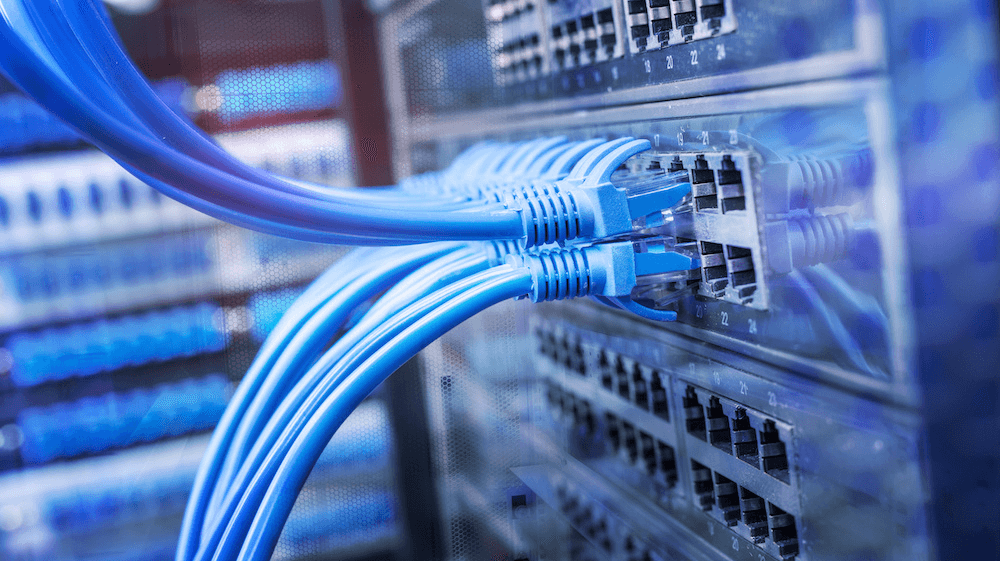
Physical layer work: Cable termination (Ethernet), patch panels, and network racks.
Module 3: Network Protocols and Services
-
Core protocols: TCP, UDP, ICMP, DNS, DHCP, and ARP.
-
Configuring and managing DHCP and DNS servers for a local network.
-
Introduction to routing protocols like RIP and OSPF.
Module 4: Network Security Essentials
-
Implementing firewalls and Access Control Lists (ACLs).
-
Fundamentals of VPNs (Virtual Private Networks) for secure remote access.
-
Identifying common network threats and vulnerabilities.
-
Secure network design principles.
Module 5: Wireless Networking (Wi-Fi)
-
Planning and deploying a wireless network.
-
Configuring SSIDs, security protocols (WPA2/WPA3), and channels.
-
Troubleshooting common Wi-Fi performance and connectivity issues.
Module 6: Network Operations and Troubleshooting
-
Systematic troubleshooting methodologies.
-
Using critical command-line tools:
ping,tracert/traceroute,ipconfig/ifconfig,nslookup. -
Analyzing network traffic with protocol analyzers like Wireshark.
-
Documenting networks and managing configurations.
4. “Key Features & Benefits” Section
-
Hands-On Labs: Build and configure real networks from the ground up in our dedicated lab environment.
-
Certification Prep: Aligned with CompTIA Network+ and Cisco’s CCNA objectives, giving you a powerful career credential.
-
Enterprise-Grade Equipment: Get experience on real Cisco, Juniper, or other industry-standard hardware and software.
-
Expert Instructors: Learn from certified network professionals who work in the field.
-
Career Jump-Start: Includes resume workshops, interview prep, and job placement assistance to land your first network role.
5. “Career Outcomes” Section
Graduates of this program are prepared for roles such as:
-
Network Support Technician
-
NOC (Network Operations Center) Technician
-
Junior Network Administrator
-
Field Technician (Network Infrastructure)
-
IT Support Specialist (Tier 2/3)